

Level 1 · Start · Ages 8–10
Code StarterFour months of Scratch, ten finished projects, one Show Day.
Your child will leave with ten finished Scratch projects — from their first looping animation to a clone-driven game of their own design — having worked through loops, conditionals, variables, broadcasting and custom blocks, and presented their best build at Show Day.
- Playable game
Week by week · 16 weeks · 10 projects
What they build, when.
Weeks 1–4FIRST BUILDS
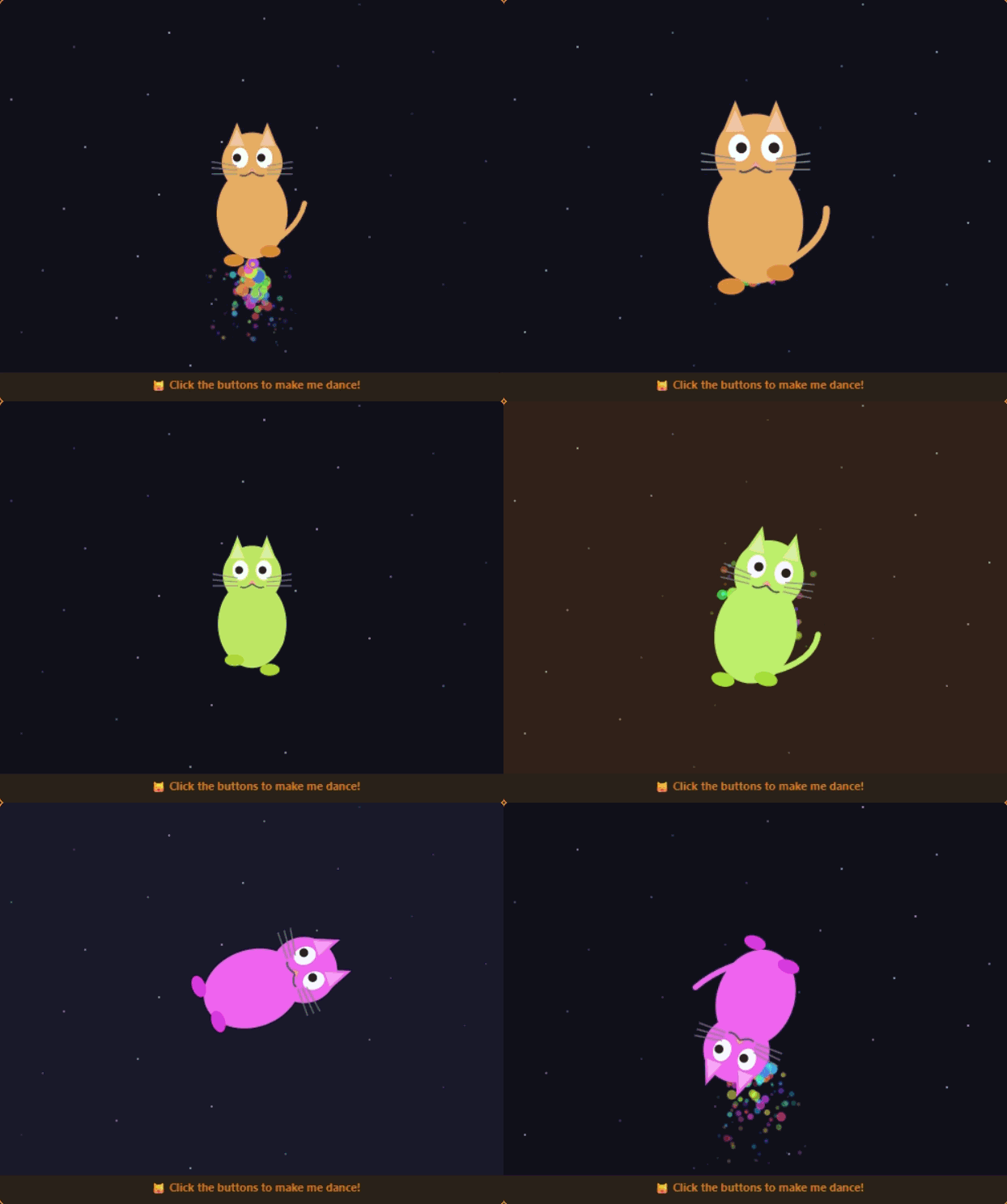
My First Animation
Cat dances, spins, changes colours. Learn sequences, loops, events.
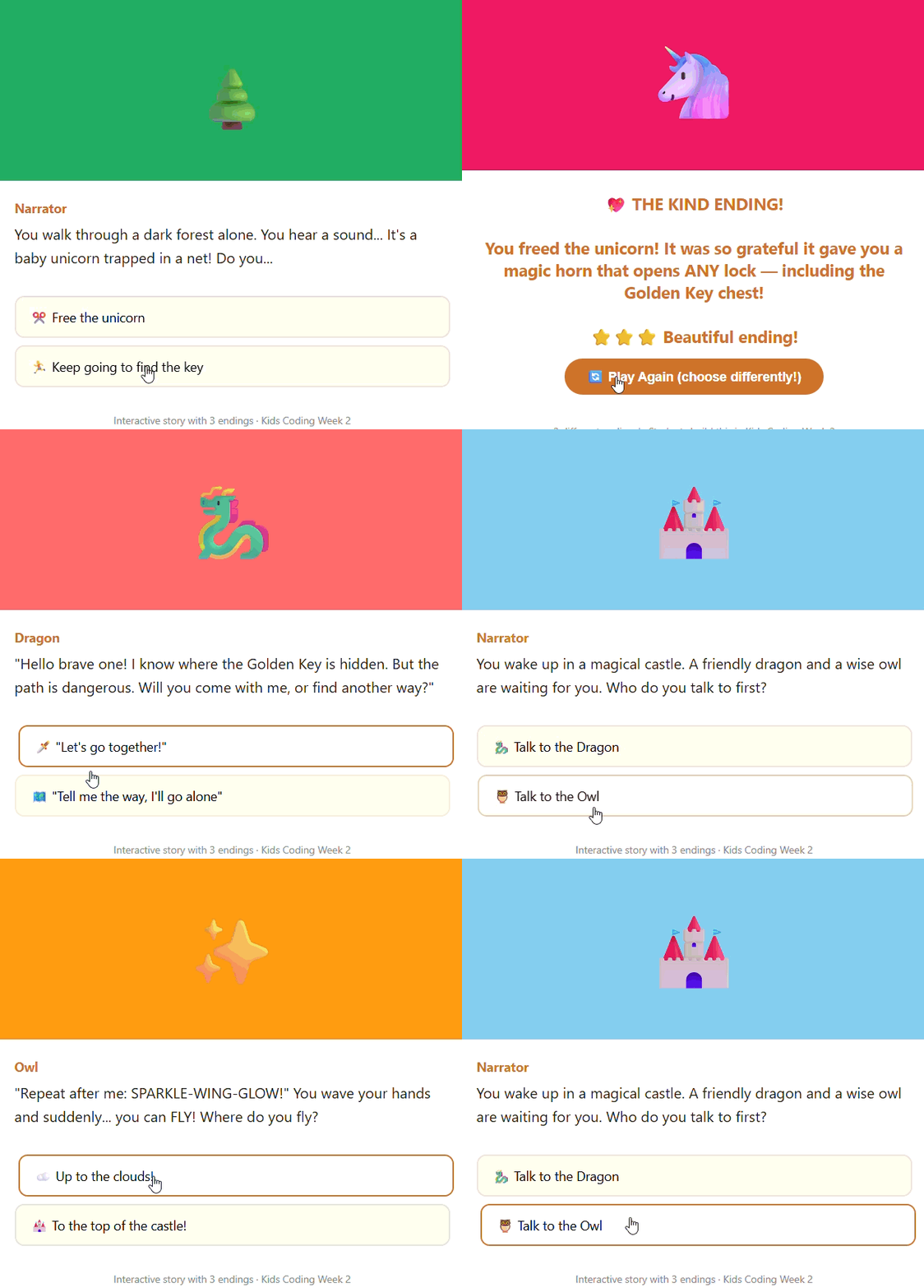
Play a real oneInteractive Story Game
Characters talk. Player makes choices. 3 branching endings.
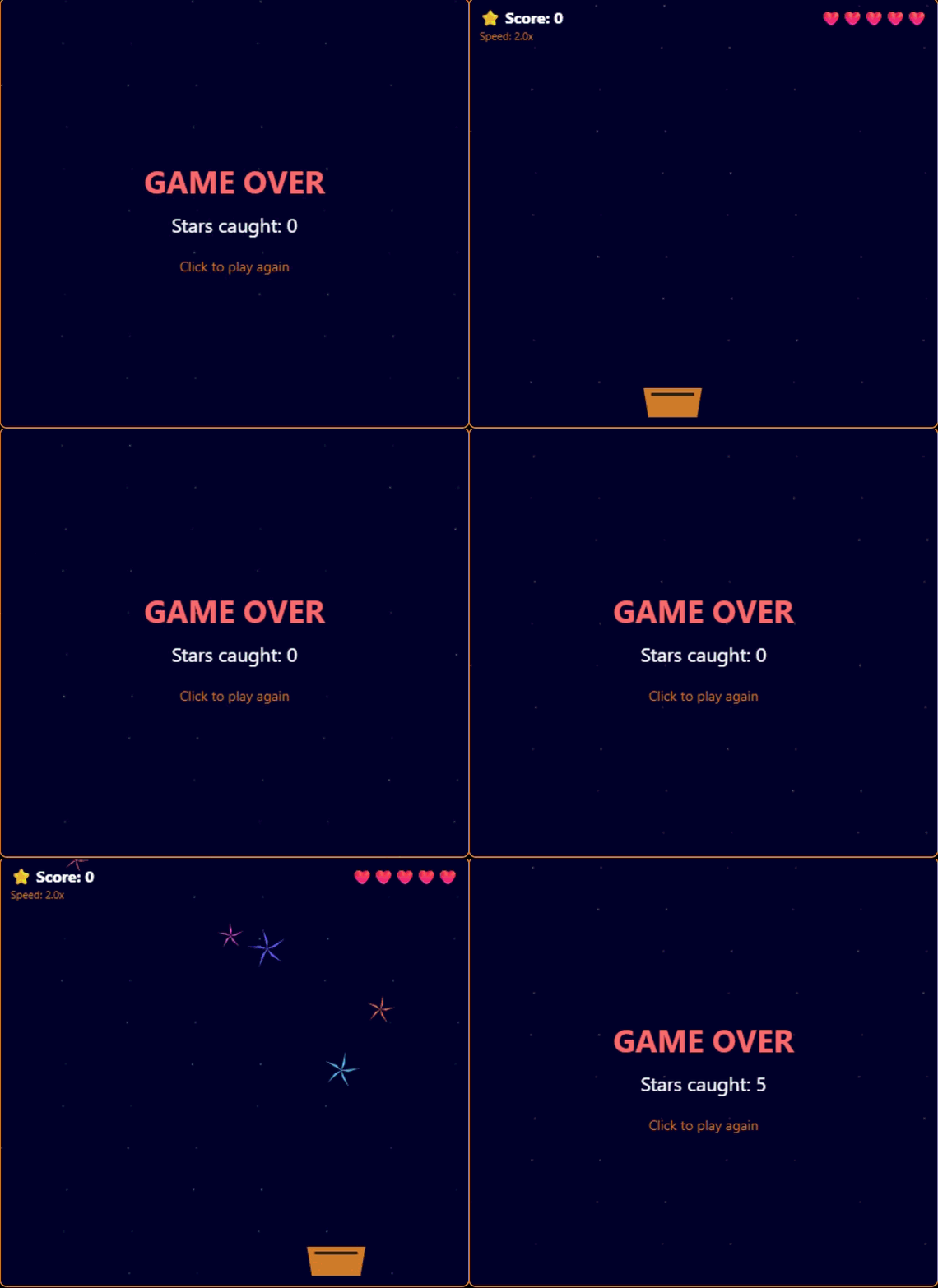
Play a real oneCatch the Falling Stars
Stars fall from sky. Move basket to catch. Score, lives, speed increase.
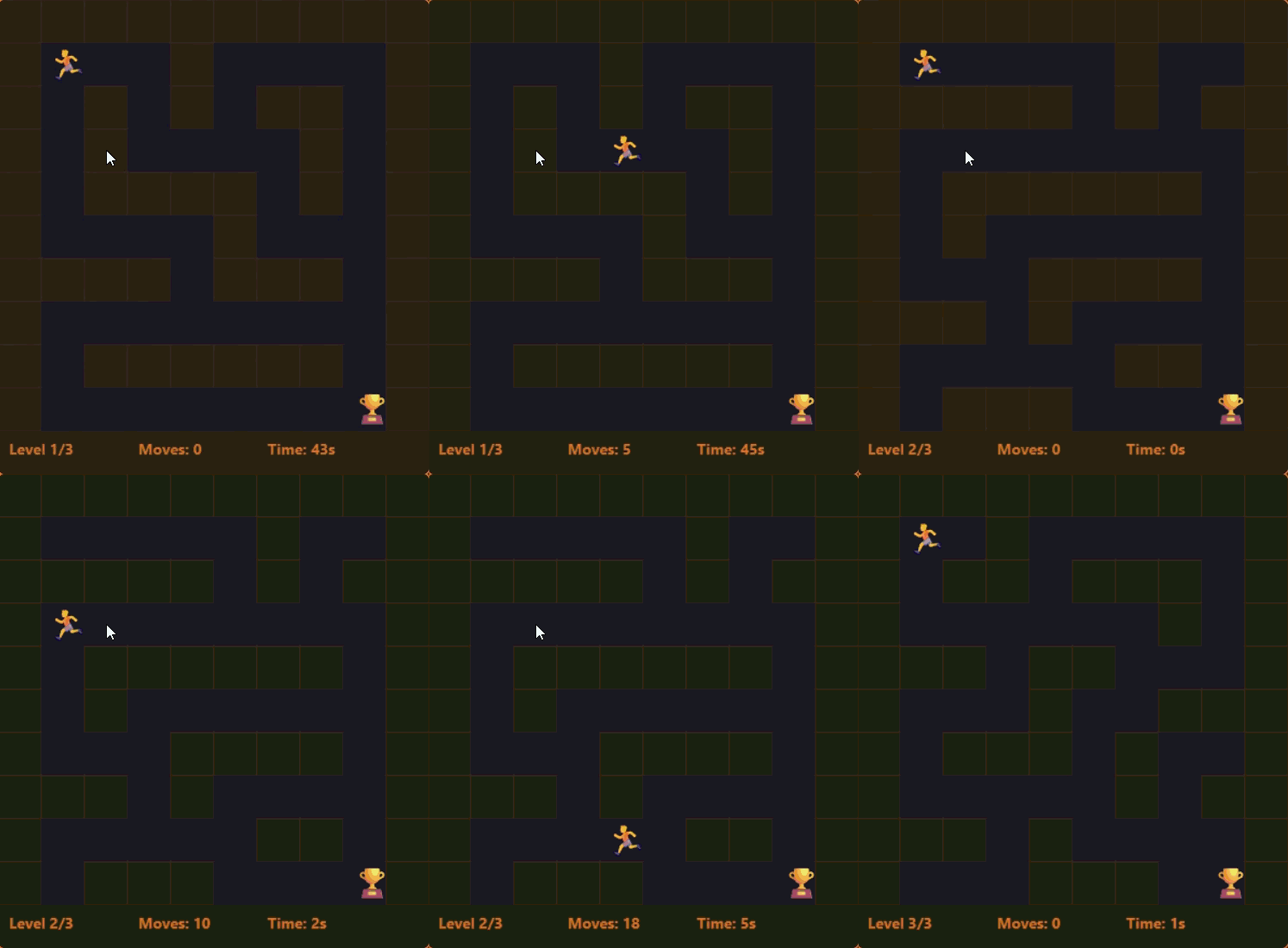
Play a real oneMaze Runner
Design 3 maze levels. Arrow keys to navigate. Timer. Best time record.
Play a real oneWeeks 5–8ART + DECISIONS
Geometric Art Machine
Pen and nested loops draw squares, stars, spirals and mandalas. Predict the shape before you run it — and work out why a triangle turns 120°, not 60°.
Their Choice: Reaction Game
Catch, dodge, quiz or whack-a-mole — any game where the program must decide. They design the rules; the mentor guards the logic.
Weeks 9–12MEMORY + SYSTEMS
Catch & Score Deluxe
Score, countdown timer, three lives, and speed that climbs as you get better. Variables plus conditionals — the program now remembers.
Two-Level Adventure
Start screen → Level 1 → Level 2 → win and lose screens, all coordinated by broadcasts. Debugging across sprites begins here.
Weeks 13–16CLONES + SHOW DAY
Falling Sky
One sprite becomes many. Clones spawn at random positions, each deciding for itself and cleaning itself up. Custom blocks required: their own named blocks, used at least twice.
SHOW DAY!
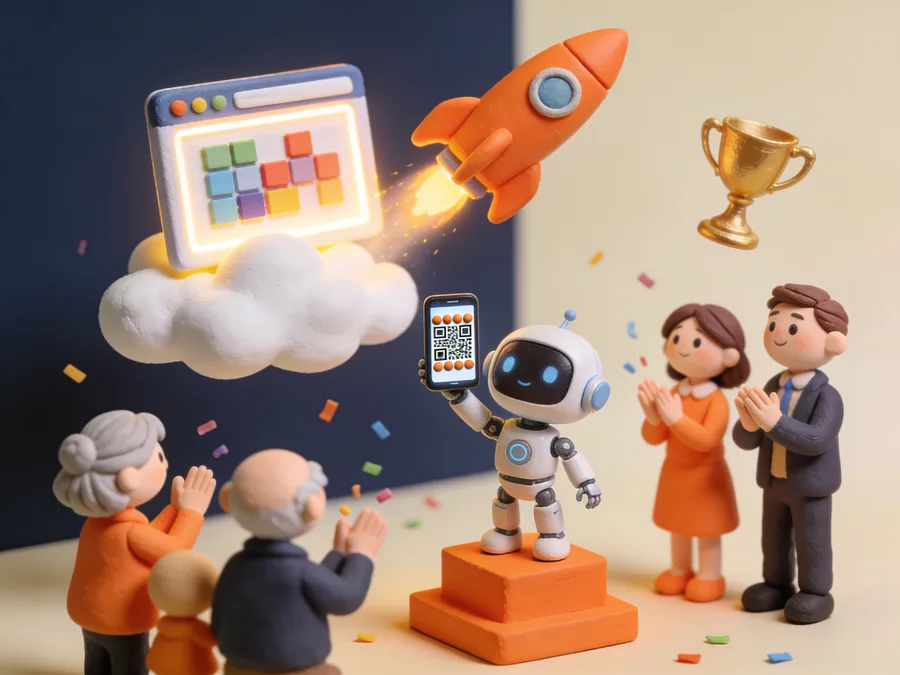
Pick the best build, fix the last bugs, make it beautiful, rehearse — then present to parents, friends and judges. Certificates. Standing ovation.
What your child will ship
Live, on a real URL.
Tools & skills
The real thing, not a kids' version.
Maths + science woven in
Every project carries the maths and science its subject needs — coordinates and loops at Level 1, projectile physics and algebra at Level 2, probability and statistics in the AI track. Not a separate class. The same code.
The next rung
After Code Starter, most students go to
“My younger one actually enjoys algebra now.” The maths course made my younger one see algebra visually — she codes graphs now.
Questions about this course
- What are the class timings?
- Evening batches after school hours. KIDS and the maths/science courses run 1 hour/day (Mon–Thu); the longer coding courses run 1.5 hours/day on Monday, Wednesday and Friday. The off-days are deliberate — that is when your child builds on their own, which is where most of the real learning happens. Batches exist for Indian and international time zones; exact timings are shared at enrolment.
- What if my child loses interest after a few weeks?
- It's the #1 parent fear — and we designed for it. Every session ends with "show and tell" where kids demo what they built. That ownership keeps them hooked. And if it truly isn't working, you get a full refund within the first 2 weeks, no questions asked.
- What is the refund policy?
- Full refund within the first 2 weeks if your child decides it's not for them. No questions asked. We want kids who want to be here.
- Are there instalment options?
- Yes. We offer flexible instalment plans so the fee doesn't become a barrier. Contact us on WhatsApp and we'll work out a plan that suits your family.
Not sure this is the right step?