


A real workplace, from day one.
Other academies teach on disposable Replit tabs. We built our own platform because the environment a child works in is, eventually, the kind of engineer they become.
I designed Sandbox Studio because no academy I am aware of gives children the actual tools of working engineers. They give them sandboxes — disposable, toy environments where the work cannot leave the page.
The students of Own Sandbox work the way I have worked professionally for eight years: they write code, they deploy it to real URLs, they review one another’s work, and they speak to me daily in a moderated cohort channel. They are not learning to be like engineers. They are practising as engineers — at the level appropriate to their age.
— Ajay Pathak
The environment a child works in is, eventually, the kind of engineer they become.
From first line of code to standing ovation.
- 1
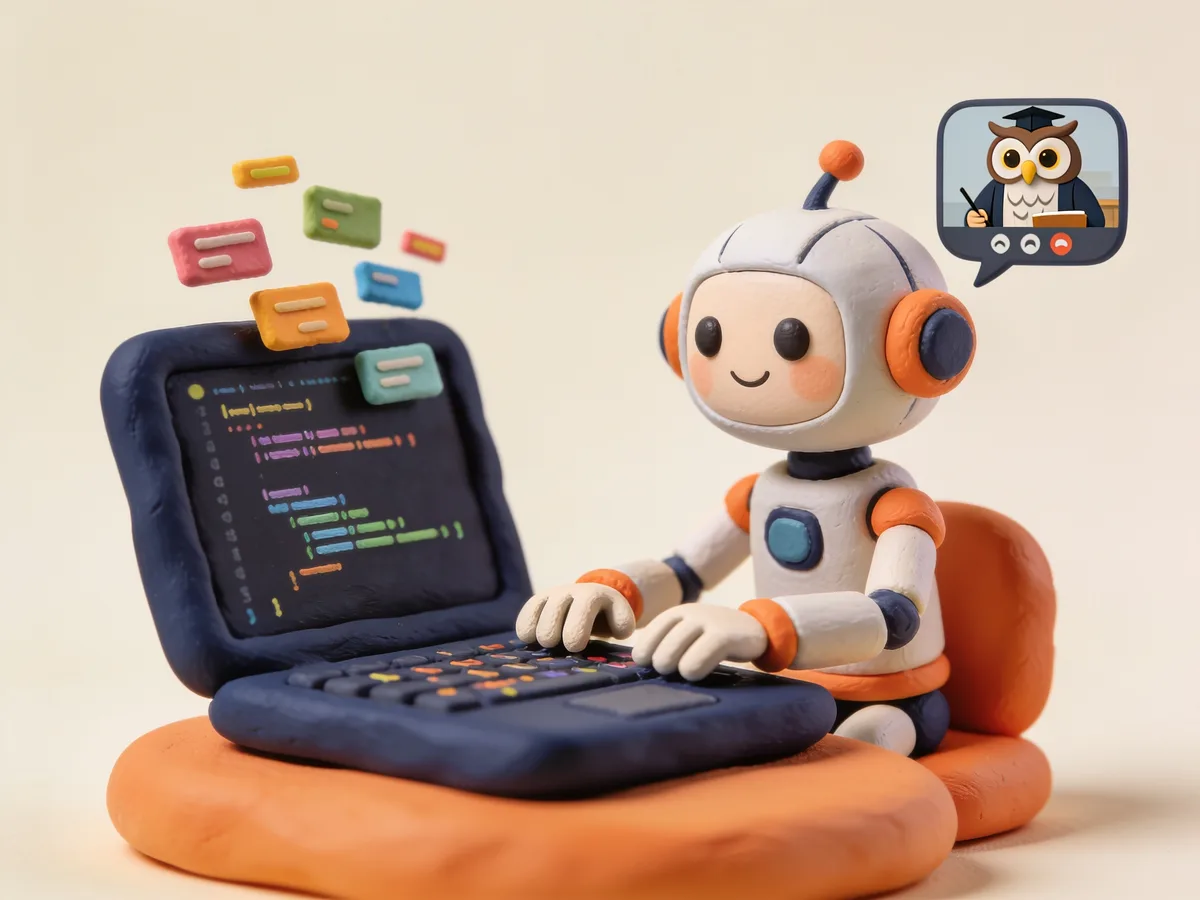
Code in live class
Your child writes real code in Sandbox Studio during every live session — with the teacher right there, watching the same screen.
- 2

Push to deploy
One git push and the project is live on their personal URL in 30 seconds. It is never "done someday" — it is on the internet today.
- 3
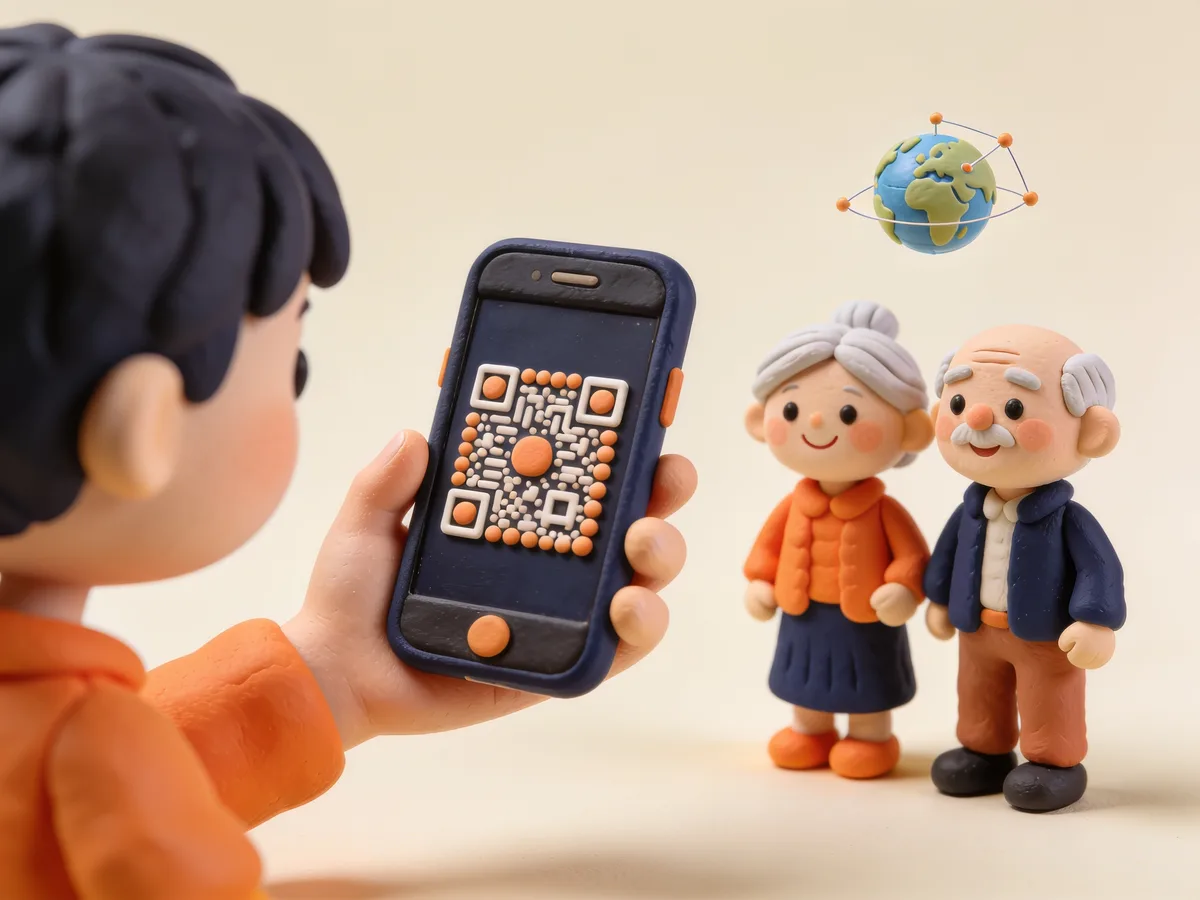
Share with anyone
Scan a QR code and the project opens on any phone, anywhere in the world. Grandparents included.
- 4
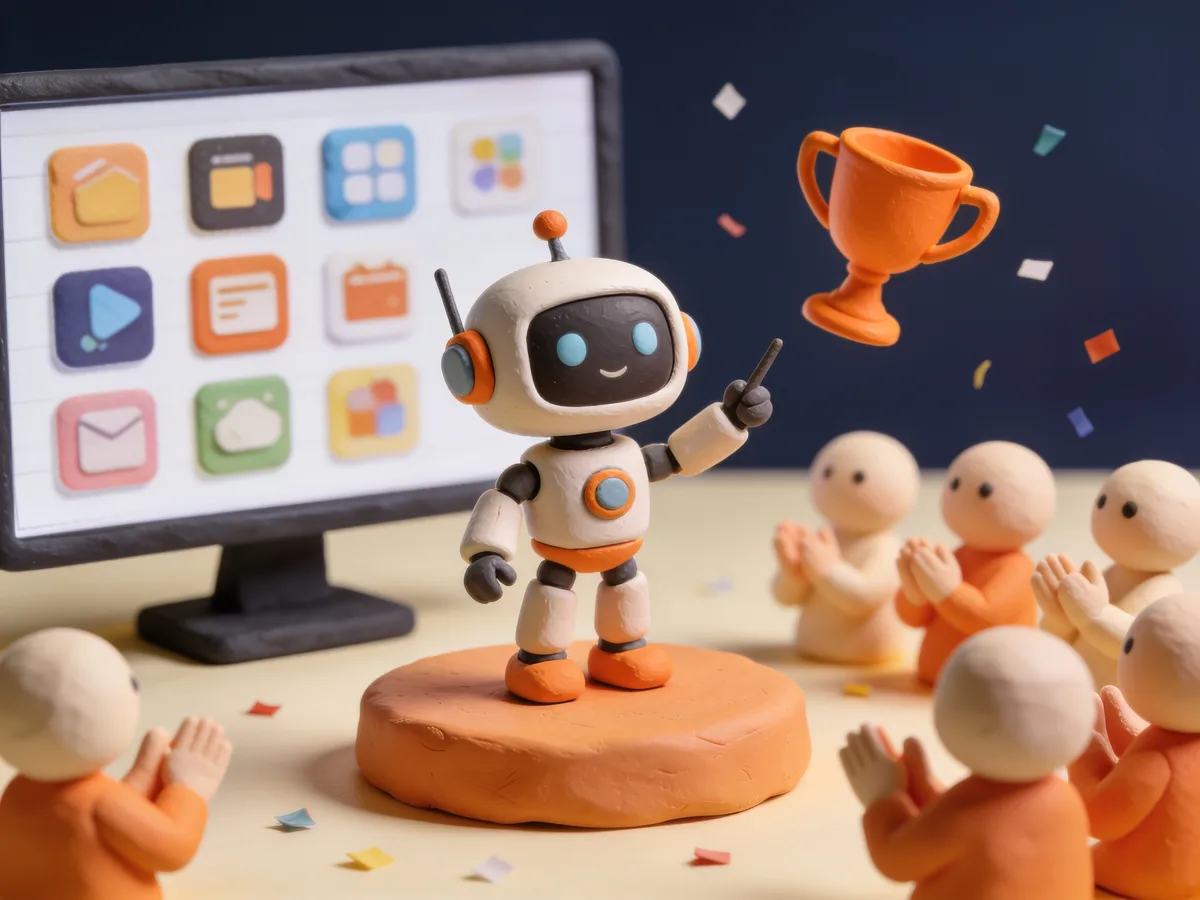
Show it at Demo Day
Every course ends with a live presentation to parents, friends, and judges — of work that is already running in the real world.
Free to explore. Create an account and look around the student dashboard before you book anything.
Sandbox Studio — the Platform
Where every student deploys their code. The same environment professional engineers use — a personal subdomain, a Git workflow, a one-click deploy.
Real, shareable artifacts
Personal subdomain
Every student gets their own URL — name.sandboxstudio.app — like an email address, but for the things they build.
One-push deploy
git push → live in 30 seconds. There is never a "I’ll show you when it’s done." It is always deployable.
Mobile QR preview
Scan a QR to open their project on any phone. Hand the device to a relative. The work lives, not just on a screen at home.
Custom domain support
Bring your own .com if you have one. A serious parent can give their child a real digital identity.
Real engineering practice
Real Git workflow
Branches, pull requests, code review — the same system every Microsoft, Google, and Stripe engineer uses. From age nine.
Persistent version history
Every save is kept forever. Roll back, learn from past mistakes, build engineering judgment.
Pre-configured environments
Python, Node.js, React — ready to run. There is never a broken laptop excuse. Friction is zero.
Templates from the curriculum
Start a new project from a course example in seconds. Confidence outpaces setup pain.
Mentor visibility
One-click code review
Ajay sees every project with the same tools your child uses. The teacher actually knows the code. Feedback is real, specific, fast.
Inline mentor comments
Notes left directly on lines of code, the way a teacher marks a homework page — but on the work itself.
AI debug assistant
When stuck at 9 pm, your child gets unstuck without you needing to know how to code.
Parent peace of mind
Public / private toggle
Your child controls who sees their project. Safe to experiment privately, share publicly only when ready.
Project visit analytics
See who clicked through and when. "Grandma visited twice this week." Concrete proof people care.
Monthly progress digest
An automatic email summarising what your child shipped. You never have to ask "what did you build?" The platform tells you.
Cohort Workspace — the Community
A moderated, cohort-only Discord. The teacher is in every channel, daily. The kids see one another’s work, ask one another for help, and rehearse together for Demo Day.
Mentor presence
Ajay in every channel, daily
The same teacher who runs class is in chat after class. The "one teacher, full duration" promise extends to text.
#code-help channel
Stuck questions answered within hours — not days. When your child gets stuck, they get unstuck the same day.
Weekly office hours (voice)
Drop-in, ask anything, voice or video. A real human, in real time. Worth more than twenty YouTube tutorials.
Code review on demand
Push a project to #review, get notes from Ajay. Your child learns to receive professional feedback — a skill more valuable than any one technology.
Peer learning
#show-and-tell channel
Kids post what they shipped each week. Your child sees other kids their age building real things. Aspiration and peer pressure in one.
Cohort project gallery
See what classmates built. Your child’s reference point isn’t TikTok — it is Maya, who shipped a working e-commerce site this month.
Pair-programming finder
Match with a partner for team projects. Collaboration is the skill that distinguishes employed from unemployed.
Hackathon coordination space
Channels for in-curriculum hackathons. Real teams, real deadlines, real artifacts. Practice for the working world.
Stickiness
Daily streak channel
Kids post one screenshot a day. Streaks are visible. The same hook that keeps them on Duolingo, applied to building real things.
Demo Day rehearsal channel
Practice presentations with peers before the event. Your child arrives at Demo Day confident, not nervous.
Alumni network
Past cohorts stay in the workspace forever. Your child meets older students who have already shipped real things — mentors and role models.
Safety
Invite-only, cohort-only
No strangers, no public Discord. Your child cannot meet anyone you did not approve of.
No direct messages
Members cannot DM each other. All conversations are public, in moderated channels.
Mentor-moderated, 24/7
Ajay and assistants moderate every channel. Anything off-topic, off-tone, off-mission is removed.
Parent-visibility option
Request read-only access and see everything your child sees. No hidden corners.
Verified accounts only
Students join via the platform with their real name. No anonymous accounts, no grooming risk.
The Promise
- Other academies offer
- A disposable sandbox. Code that cannot leave the page. A Slack channel maintained by an absent operations manager.
- We offer
- A real platform with a real URL. A real Git workflow. A real cohort, with the teacher present in every channel — moderated, safe, by design.
- For your child
- The first eight years of working life will demand fluency in these exact tools. We give them the head start of having used them as children.
Sandbox Studio is included with every programme.
For a complimentary demonstration class — and a tour of Sandbox Studio — please make contact.