


Week by week · 16 weeks · 8 projects
What they build, when.
Weeks 1–4HTML + CSS + JS
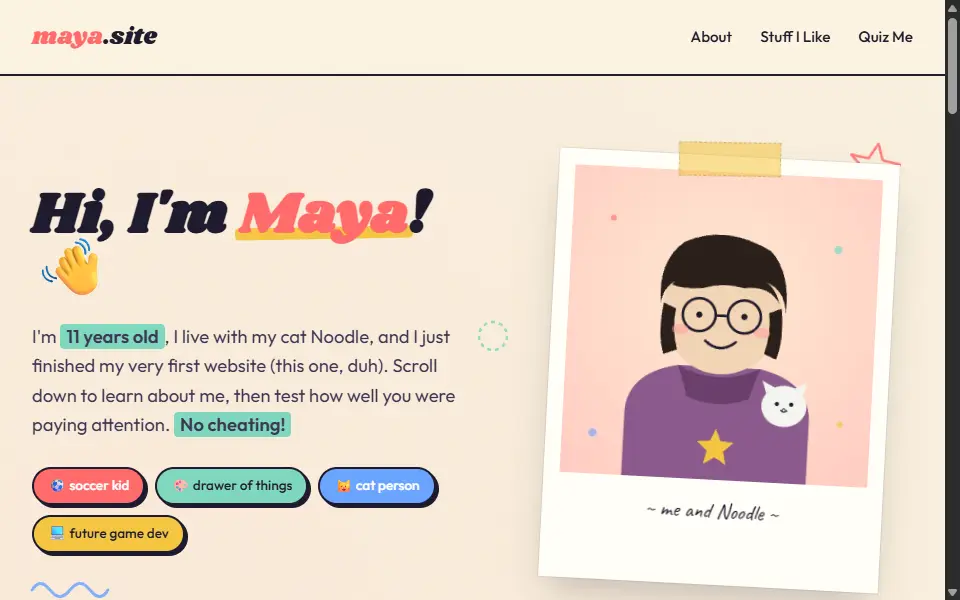
Personal Website
Multi-page website about THEM. Photos, portfolio, contact. Responsive. LIVE on internet.
Play a real oneInteractive JS App
Quiz app, weather dashboard, or expense tracker (their choice). DOM, events, API calls.
Weeks 5–8FULL-STACK
Full-Stack App
Node.js backend + MongoDB database. Login system. Save and retrieve data. A REAL app.
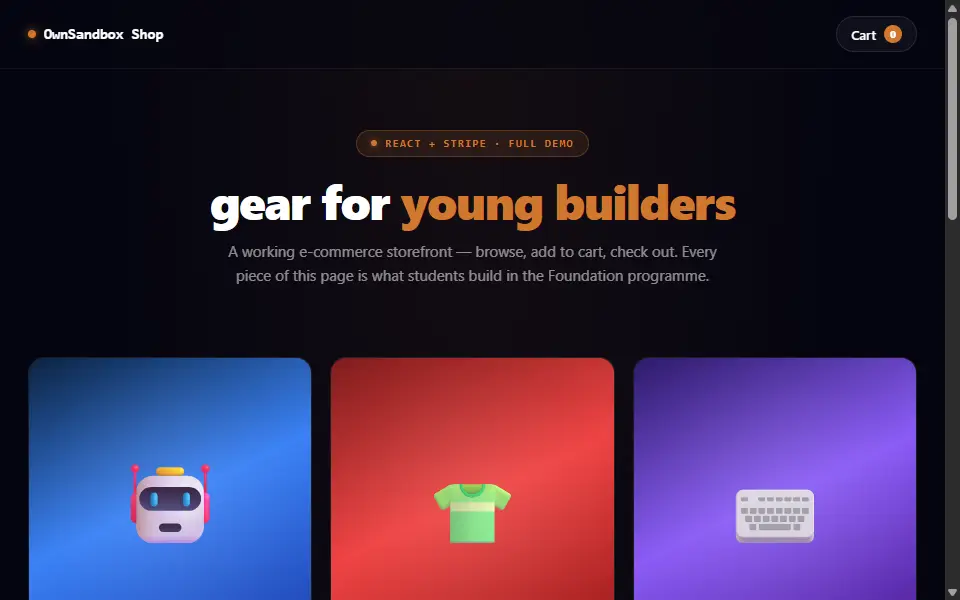
Online Store + Stripe
Products, cart, checkout — with real test payments. The project that makes relatives ask “you built THAT?”
Play a real oneDeploy to Internet
Buy domain. Connect. Deploy on Vercel. Real URL. Anyone in the world can use their app.
Weeks 9–12MOBILE + REAL WORLD
Mobile App
Take their full-stack app → make it a mobile app with Expo. Install on phone.
Real Client Project
Build for a REAL person: teacher's tool, dad's shop inventory, school event page.
Weeks 13–16TEAM + OPEN SOURCE + DEMO
Team Build (pairs)
2 students build 1 product. Git branches. Pull requests. Code review. Sprint planning.
Open Source Contribution
Fix a bug or add feature to existing open source project on GitHub.
SHOW DAY
Present the portfolio to the family: website + app + client project + team project. Certificates.
What your child will ship
Live, on a real URL.
Tools & skills
The real thing, not a kids' version.
 HTML
 CSS
 JavaScript
 Node.js
 MongoDB
 Expo Go
 Git
 GitHub
 Vercel
Maths + science woven in
Every project carries the maths and science its subject needs — coordinates and loops at Level 1, projectile physics and algebra at Level 2, probability and statistics in the AI track. Not a separate class. The same code.
The next rung
After Web + App, most students go to
“Worth every single penny.” My twin kids are both enrolled. They're building apps, websites, and even 3D games. Personalized attention is incredible.
Questions about this course
- How much does it cost?
- The first class is free. After that you pay by the hour: ₹930 an hour in a small group (up to 4 kids) or ₹1,400 an hour for 1:1 — in the US, $20 or $30. Classes are three a week, one hour each, so a month is about 12 classes. You pay monthly and can stop anytime. Why that much: with at most 4 kids, each child gets about 15 minutes of the teacher every hour (in a class of 35 it is under 2), Ajay teaches every class himself, and your child finishes a real project every week or two.
- What are the class timings?
- Evenings after school, in your time zone. Every course is three 60-minute classes a week; the days in between are deliberate — that is when your child builds on their own, which is where most of the real learning happens. We pick the days and times with you after the free class.
- What if my child loses interest after a few weeks?
- It's the #1 parent fear — and we designed for it. Every session ends with "show and tell" where kids demo what they built. That ownership keeps them hooked. And if it truly isn't working, you are never locked in: you pay one month at a time and can stop anytime.
- Do I have to pay for a whole course up front?
- No. You pay month by month for the classes you take, and you can stop at the end of any month. There is nothing to sign up for in advance.
Not sure this is the right step?